A domain vulnerability scan is one of the most practical steps an IT administrator or webmaster can take to identify weaknesses before attackers do. Whether you're checking for DNS misconfiguration, expired SSL certificates, or exposed records, the right scanning tool can surface risks that manual inspection would miss entirely.
The landscape of domain security check tools has grown considerably, and picking the best fit for your infrastructure matters more than ever. This guide walks you through a structured comparison of leading tools, explains what to look for, and gives you a repeatable process for running effective scans.
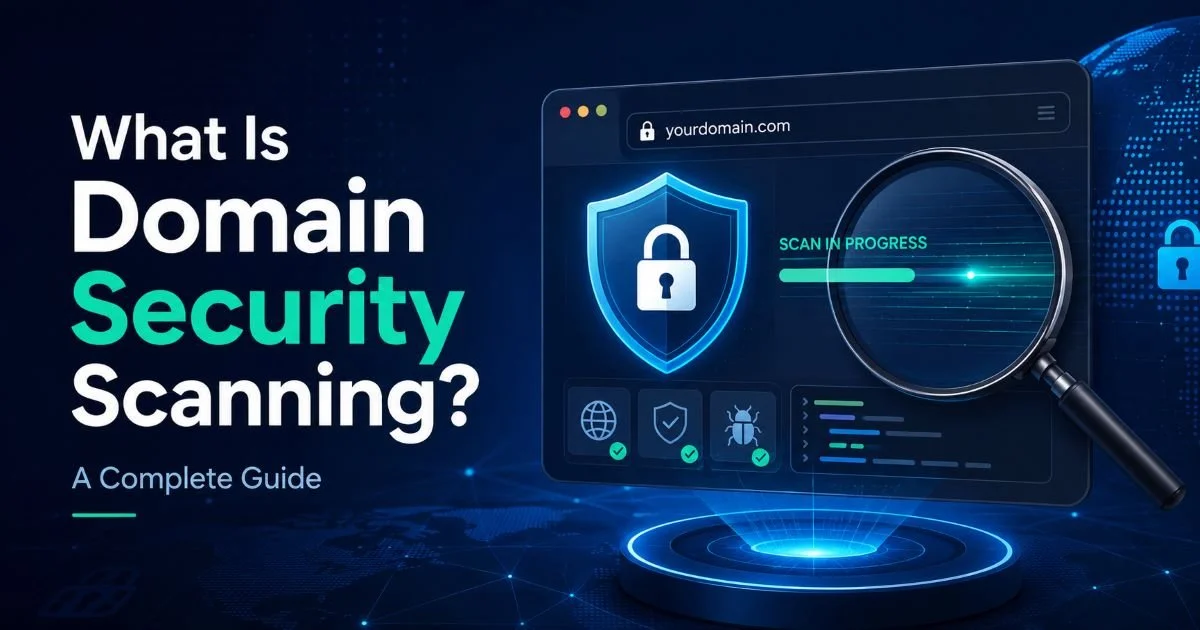
If you want foundational context, our complete guide on what domain security scanning covers is a solid starting point. Ignoring regular scans isn't just risky; it's an invitation for downtime, data loss, and reputational damage. Let's break down how to choose and use the right tools.
Key Takeaways
- No single tool covers every domain security scan need; combine at least two.
- DNS misconfiguration remains one of the most overlooked and exploitable weaknesses.
- Automated SSL certificate checks prevent costly expiration-related outages.
- Free tools work for basics, but paid platforms offer deeper vulnerability analysis.
- Schedule scans weekly at minimum to catch configuration drift early.
Step 1: Define Your Scanning Requirements
Identify Your Attack Surface
Before comparing tools, you need to understand exactly what you're protecting. A single business domain might include a primary website, a mail server, several subdomains, API endpoints, and third-party integrations. Each of these represents a potential entry point. Map out every domain and subdomain your organization controls, including any parked or legacy domains that might still resolve to active infrastructure.
Your attack surface also includes DNS records that could leak internal information, like TXT records containing SPF or DKIM configurations that reveal mail infrastructure details. Many administrators forget about staging environments or development subdomains that run with weaker protections. An effective domain vulnerability scan needs to cover all of these assets, not just your production homepage.
Create a living spreadsheet of all domains, subdomains, and associated services before selecting any tool.
Prioritize Scan Types
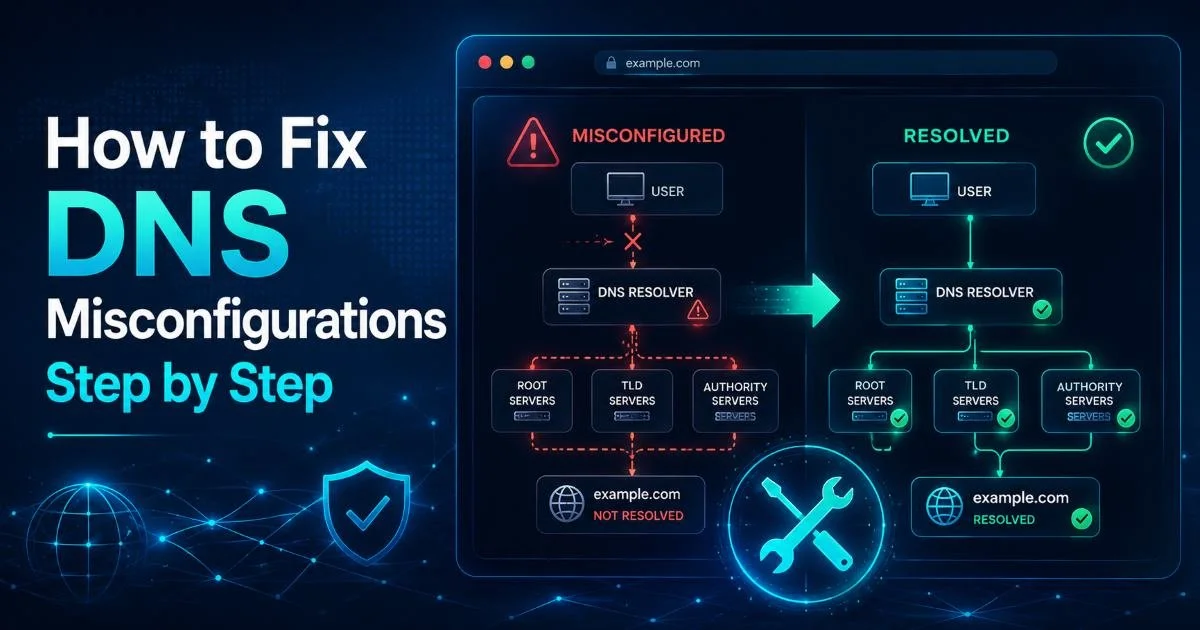
Not every organization needs every type of scan. If your primary concern is email deliverability and phishing prevention, DNS security checks for SPF, DKIM, and DMARC records should top your list. Our detailed breakdown of how to detect DNS threats early covers these protocols thoroughly. If you run an e-commerce site, SSL certificate validation and mixed content detection will be higher priorities.
Consider regulatory requirements too. Organizations handling healthcare or financial data may need vulnerability scans that produce compliance-ready reports. PCI DSS, for instance, requires quarterly external vulnerability scans from an Approved Scanning Vendor (ASV). Match your tool selection to these concrete requirements rather than chasing feature lists that look impressive but don't address your actual risk profile.
Also Check: How Keyword Ranking Impacts Domain SEO Strength
Step 2: Compare Leading Domain Vulnerability Scan Tools
Tool Feature Comparison
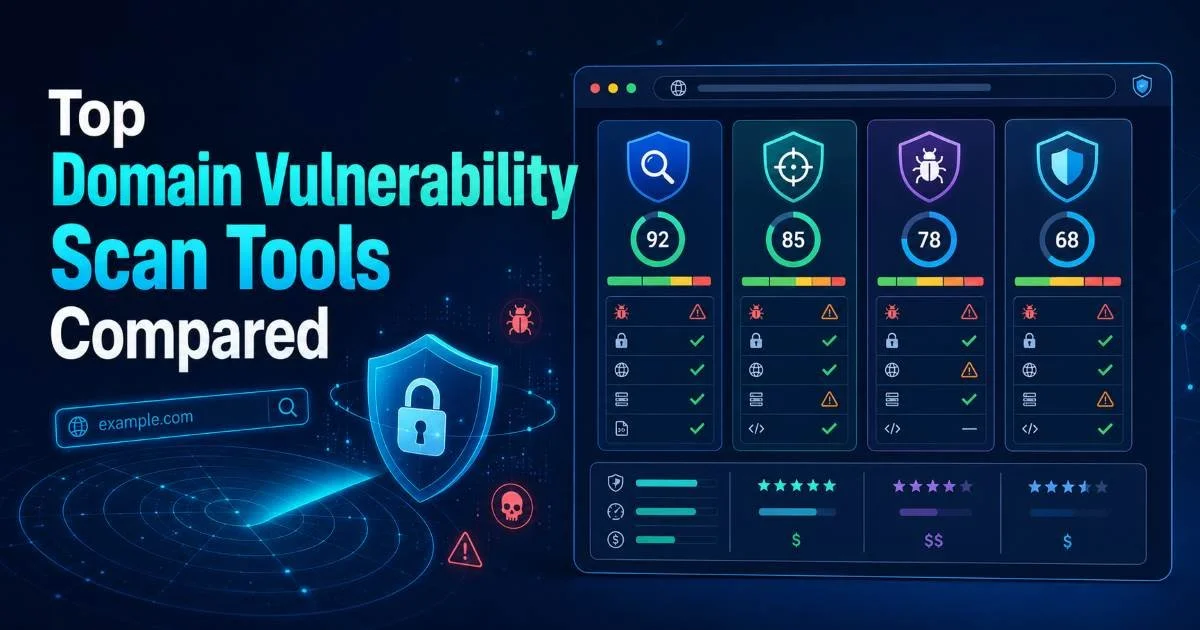
The market offers dozens of tools, but a handful stand out for domain-focused security scanning. Qualys SSL Labs provides the gold standard for free SSL certificate checks, grading your TLS configuration from A+ to F with detailed explanations of each finding. SecurityTrails excels at DNS intelligence, revealing historical records, subdomain enumeration, and WHOIS changes. Nmap, while more general-purpose, remains invaluable for port scanning and service detection on domain infrastructure.
Detectify takes a different approach by using a crowdsourced vulnerability database maintained by ethical hackers. It covers SSL, DNS, and application-layer vulnerabilities in a single platform, but the monthly cost starts around $85. Hardenize occupies a useful middle ground, combining SSL certificate monitoring with DNS and email security checks in a dashboard format that works well for teams managing multiple domains.
For administrators who need to understand the full scope of risks they face, our article on common domain security risks and how to fix them provides practical remediation guidance that pairs well with any tool's findings. The right tool surfaces the problem; knowing the fix is equally important.
Free vs. Paid Tradeoffs
Free tools like Qualys SSL Labs and DNSViz are excellent for targeted checks, but they lack scheduling, alerting, and multi-domain management. If you're running a personal blog, free tools cover your needs. If you're managing 50 domains for an enterprise, you'll need paid platforms that automate the tedious parts. The real cost of free tools is the manual effort required to run them consistently.
Paid platforms also tend to reduce false positives through better context analysis. When Detectify flags a vulnerability, it provides reproduction steps and severity ratings calibrated against real-world exploitation data. Free tools often report raw findings without that context, leaving you to determine whether a flagged issue is actually exploitable in your specific environment. That triage work adds up quickly across large domain portfolios.
Some "free" tools collect and resell your scan data. Read privacy policies before scanning sensitive infrastructure.
Step 3: Run Your First Comprehensive Scan
Configure and Execute
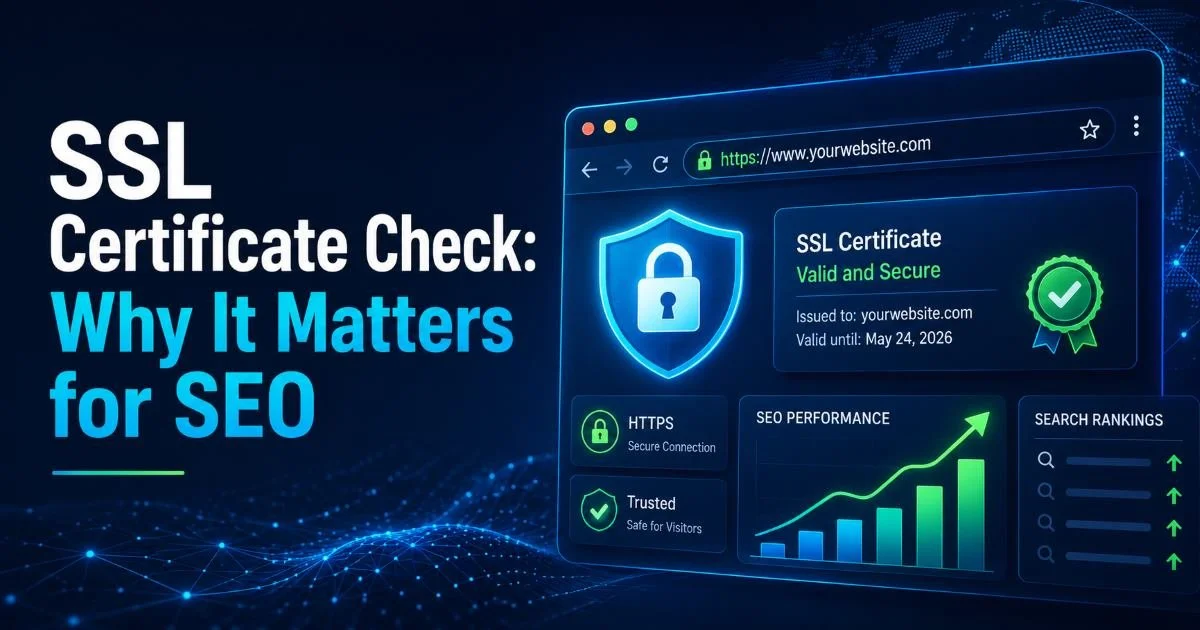
Start by running an SSL certificate check using Qualys SSL Labs. Enter your domain and wait for the detailed report, which typically takes 60 to 90 seconds. Pay close attention to the certificate chain, protocol support (TLS 1.2 and 1.3 should be your only enabled versions), and cipher suite ordering. Understanding why this matters for both security and search rankings is covered in our piece on SSL certificate checks and their impact on SEO.
Next, run a DNS security check. Use SecurityTrails or a similar tool to enumerate all DNS records for your domain. Look for stale CNAME records pointing to decommissioned services (a common vector for subdomain takeover attacks), missing or misconfigured SPF records, and any unexpected MX entries. A DNS misconfiguration here could allow attackers to intercept email or redirect traffic without touching your server directly.
Never run aggressive port scans against domains you don't own or have written authorization to test.
Finally, run Nmap against your domain's IP addresses to identify open ports and running services. A typical web server should expose ports 80 and 443, and possibly 22 for SSH. Anything beyond that, database ports, admin panels, development tools, deserves scrutiny. Document every finding in a structured format before moving to interpretation.
Interpret Scan Results
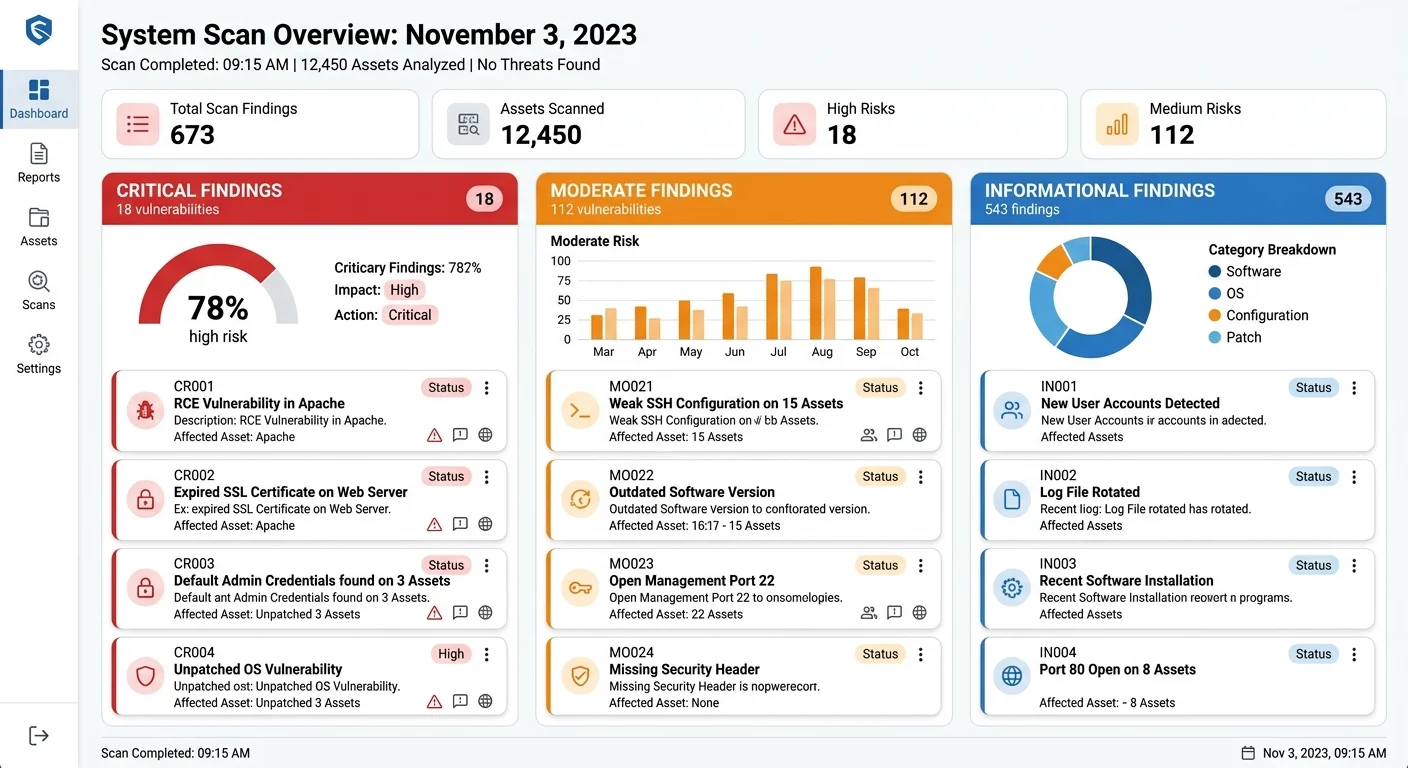
Raw scan output is useless without proper interpretation. Categorize findings into three buckets: critical (immediate exploitation risk), moderate (needs attention within days), and informational (worth tracking but not urgent). A critical finding might be an expired SSL certificate or an open database port. A moderate finding could be TLS 1.0 still enabled. Informational findings include things like missing HTTP security headers that don't directly expose data but weaken your defense posture.
"The scan is only half the work. Without disciplined interpretation and follow-through, even the best tools produce expensive noise."
Cross-reference results from multiple tools. If Qualys flags a weak cipher suite and Nmap reveals the same port is exposed to the internet, that's a confirmed, high-priority issue. Single-tool findings sometimes lack context, but corroborated findings across tools give you confidence to act immediately. Build a remediation list ordered by risk severity and business impact rather than alphabetically or by tool output order.
Step 4: Build a Recurring Scan Schedule
Automation and Alerting
One-time scans catch today's problems, but infrastructure changes constantly. New subdomains get created, certificates approach expiration, and DNS records get modified by team members who may not consider security implications. Set up automated weekly scans at minimum. Most paid platforms offer this natively. For free tools, create cron jobs or CI/CD pipeline steps that trigger scans using their APIs or command-line interfaces.
Configure alerts for specific thresholds. You want immediate notification when an SSL certificate is within 14 days of expiration, when a new subdomain appears that wasn't provisioned through your standard process, or when DNS records change unexpectedly. Slack, PagerDuty, and email integrations are standard in most paid platforms. For self-managed setups, tools like Certbot's built-in renewal checks and custom scripts using the SecurityTrails API can fill the gap.
Remediation Workflow
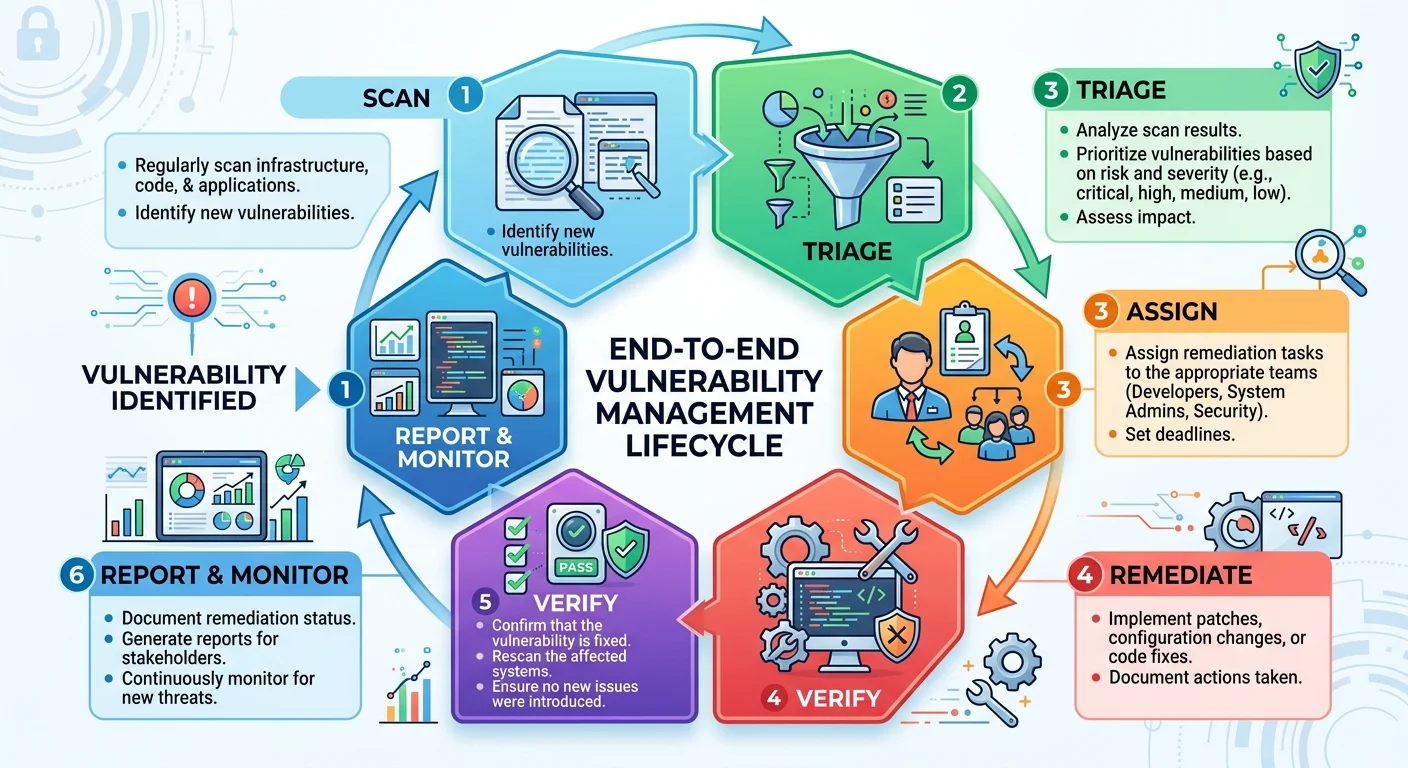
Detecting issues without fixing them is theater, not security. Build a workflow that assigns scan findings to specific team members with deadlines. Critical findings should have a 24-hour remediation window. Moderate findings get a one-week window. Track remediation progress in your existing ticketing system, whether that's Jira, ServiceNow, or a simple shared spreadsheet. The goal is accountability and visibility.
After remediation, re-scan to verify the fix worked. This step gets skipped surprisingly often, leading to situations where a team marks a DNS misconfiguration as resolved, but the actual record change didn't propagate correctly. Verification scans should be part of your definition of "done" for any security finding. Over time, you'll build a historical record that shows your security posture improving, which is valuable during audits and management reviews.
Export scan history quarterly to document your security posture trend for compliance audits and board reporting.
Frequently Asked Questions
?How do I scan subdomains and staging environments too?
?Are free domain vulnerability scan tools good enough?
?How often should I actually run a domain security scan?
?Can one tool cover all my DNS and SSL scan needs?
Final Thoughts
Choosing the right domain vulnerability scan tools isn't about finding a single perfect solution. It's about assembling a practical toolkit that covers SSL certificate checks, DNS security validation, and broader infrastructure scanning.
Start with free tools to understand your baseline, then invest in paid platforms as your domain portfolio grows. Schedule scans consistently, act on findings quickly, and verify every fix. Your domains are the front door to your organization, and keeping them secure is an ongoing commitment, not a one-time project.
Disclaimer: Portions of this content may have been generated using AI tools to enhance clarity and brevity. While reviewed by a human, independent verification is encouraged.