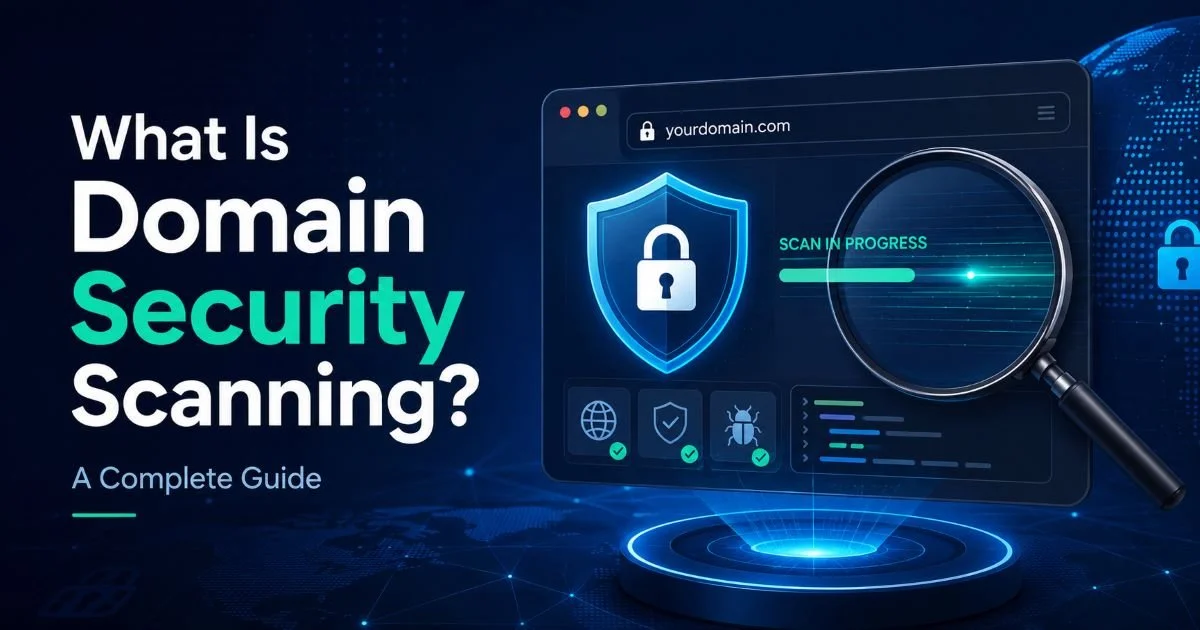
A domain security scan is an automated assessment that examines your domain's DNS configuration, SSL certificates, redirect chains, exposed records, and other potential vulnerabilities to produce an actionable risk report.
Think of it as a health checkup for your web presence. For IT administrators and webmasters, running this type of scan is no longer optional; it is a baseline responsibility. Attackers routinely probe domains for weak links, and a single misconfigured DNS record or expired certificate can open the door to phishing, data interception, or full domain hijacking.
The good news is that modern scanning tools can surface these issues in minutes rather than hours. Understanding what a domain security scan covers, how it works, and why you should run one regularly will put you ahead of most organizations that only react after something breaks.
Key Takeaways
- A domain security scan checks DNS, SSL, redirects, and exposed records in one pass.
- Expired or misconfigured SSL certificates quietly expose your users to man-in-the-middle attacks.
- Exposed DNS records like TXT entries can leak internal infrastructure details to attackers.
- Redirect chains should be audited regularly because each hop introduces latency and risk.
- Automating scans on a weekly schedule catches configuration drift before it becomes exploitable.
How a Domain Security Scan Works
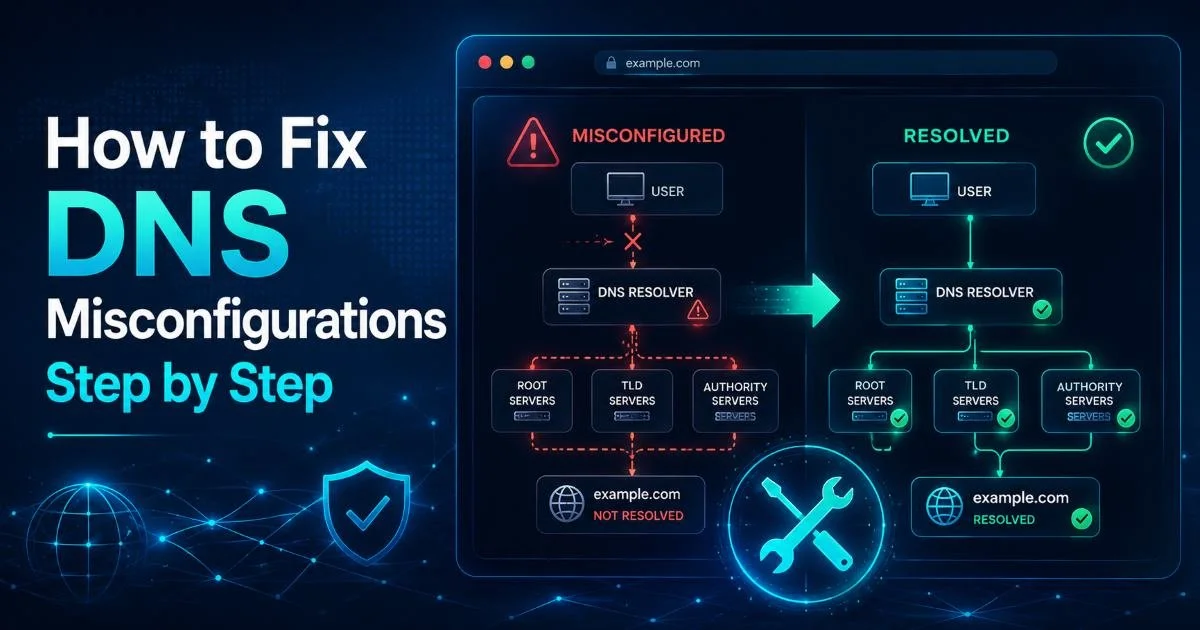
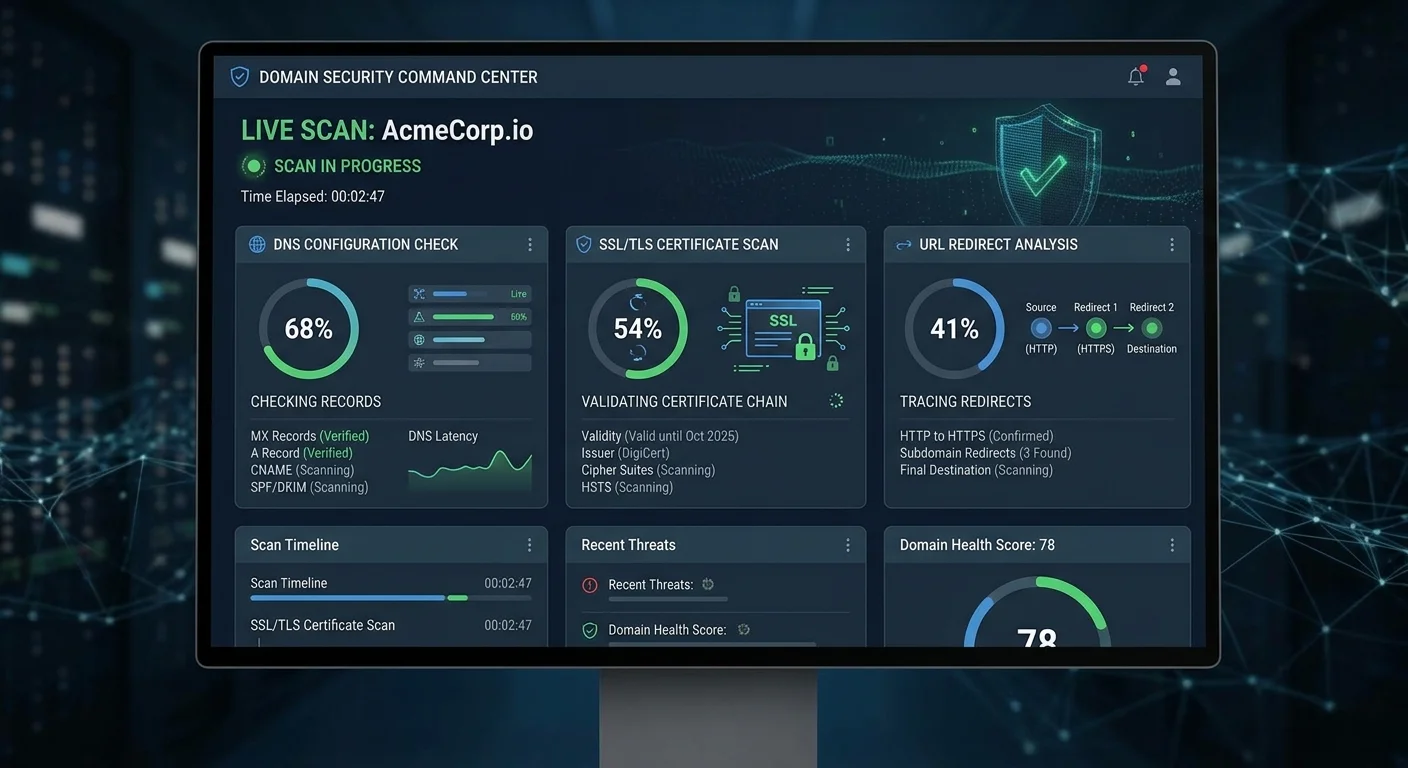
A domain security scan begins by resolving the target domain and enumerating every DNS record associated with it. The scanner queries authoritative nameservers for A, AAAA, MX, CNAME, TXT, SPF, DKIM, and DMARC records. Each record type serves a specific purpose, and misconfigurations in any of them can lead to email spoofing, subdomain takeover, or unintended information disclosure. This dns settings check forms the foundation of the entire assessment because DNS is the directory that maps your domain strength to every service you run.
DNS and Record Analysis
During the DNS phase, the scanner flags exposed dns records that reveal internal hostnames, cloud provider metadata, or development environment endpoints. A TXT record advertising an internal Jira instance, for example, tells an attacker exactly which project management tool your team uses and where to find it. The scanner also validates that SPF and DMARC policies are correctly configured to prevent email spoofing. Organizations that skip this step often discover the gap only after their domain lands on an email blocklist.
Beyond individual records, the scanner checks for dangling CNAME entries. These occur when a CNAME points to an external service (like a decommissioned Heroku or Azure instance) that you no longer control. An attacker can claim that orphaned resource and serve malicious content under your domain. Understanding how your top-level domain and its subdomains are structured is a prerequisite for interpreting these results accurately.
Export your full DNS zone file monthly and diff it against the previous version to catch unauthorized changes.
SSL and Redirect Evaluation
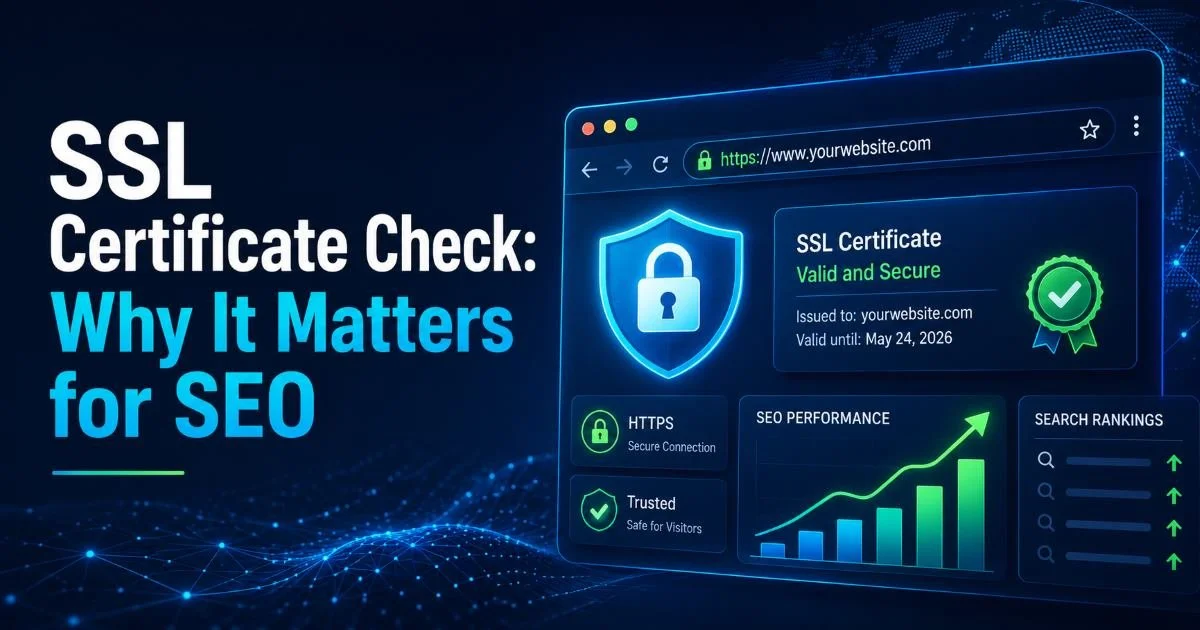
After DNS enumeration, the scan evaluates ssl certificate status across every hostname it discovers. It checks certificate validity dates, issuer chains, cipher suite strength, and whether the certificate covers all relevant subdomains. An expired certificate triggers browser warnings that erode user trust instantly, while a weak cipher suite (TLS 1.0 or 1.1) leaves connections vulnerable to known attacks like POODLE and BEAST. The scanner reports each issue with a severity rating so administrators can prioritize fixes.
The redirect audit component follows every HTTP-to-HTTPS redirect, www-to-non-www redirect, and any marketing or vanity URL redirects. Long redirect chains add latency and create points where an attacker could intercept traffic if one hop uses plain HTTP. The scanner maps out each chain, highlights mixed-content hops, and flags loops. A clean redirect path should have no more than one or two hops, and every hop should use HTTPS.
A single HTTP hop in a redirect chain can expose session cookies even if the final destination uses HTTPS.
Why It Matters: Real-World Use Cases
Protecting Brand Trust
When a visitor sees a browser warning about an invalid SSL certificate, most of them leave immediately. Studies indicate that 85% of online shoppers abandon a site after encountering a security warning. For webmasters managing e-commerce or SaaS platforms, this translates directly into lost revenue. A regular domain security scan catches certificate expirations before they reach production, giving your team a window to renew or rotate certificates without any user-facing disruption.
Brand damage extends beyond your website. If your domain lacks proper SPF and DMARC records, attackers can send phishing emails that appear to originate from your organization. Employees at partner companies, customers, and vendors may receive convincing fraud emails bearing your domain name. Detecting security misconfigurations in your email authentication records is one of the highest-impact outcomes of a routine scan because it directly reduces phishing risk across your entire ecosystem.
Compliance and Regulatory Requirements
Regulatory frameworks like PCI DSS, HIPAA, and SOC 2 require organizations to maintain secure configurations across their internet-facing assets. PCI DSS Requirement 2, for instance, mandates that companies change default passwords and remove unnecessary services, a principle that extends to DNS and web server configurations. Running a domain security scan provides documented evidence that you are actively monitoring and remediating issues, which auditors expect to see during reviews.
Government agencies and contractors face additional mandates. The Binding Operational Directive 18-01 from CISA required all federal agencies to implement DMARC and STARTTLS for email. Many private-sector organizations have adopted similar policies voluntarily. A scan report that confirms your DMARC policy is set to "reject" and your certificates use TLS 1.3 gives compliance teams concrete proof during audit season rather than vague assurances from IT.
"A scan report is not just a technical artifact; it is a compliance document that auditors recognize and respect."
| Scan Component | What It Checks | Risk If Ignored | Scan Frequency |
|---|---|---|---|
| DNS Records | SPF, DMARC, DKIM, CNAME, TXT | Email spoofing, subdomain takeover | Weekly |
| SSL Certificates | Expiry, cipher suites, chain validity | Man-in-the-middle attacks, user warnings | Daily |
| Redirect Chains | HTTP hops, mixed content, loops | Cookie exposure, SEO penalties | Weekly |
| Exposed Records | Internal hostnames, cloud metadata | Reconnaissance for targeted attacks | Monthly |
| WHOIS / Registration | Expiry date, registrar lock status | Domain hijacking | Monthly |
Some registrars offer auto-renewal, but you should still monitor WHOIS expiry independently because payment failures can silently disable auto-renewal.
Common Misconceptions
One persistent myth is that buying an SSL certificate means your domain is "secure." An SSL certificate encrypts data in transit, but it says nothing about your DNS hygiene, redirect logic, or server configuration. You can have a valid, green-padlock certificate and still be vulnerable to subdomain takeover, email spoofing, or open redirect exploits. A domain security scan addresses this blind spot by examining the full attack surface rather than a single layer.
Another misconception is that small or low-traffic domains are not worth scanning. Attackers frequently target abandoned or neglected subdomains precisely because nobody is watching them. A forgotten staging environment at staging.yourdomain.com with default credentials is a gift for any attacker running automated reconnaissance. IT administrators who manage portfolios of dozens or hundreds of domains are especially vulnerable to this kind of oversight, which makes automated scanning at scale a practical necessity.
Some teams believe that their hosting provider handles all of this. While managed hosting platforms often take care of SSL renewal and basic firewall rules, they rarely monitor DNS records, validate email authentication policies, or audit redirect chains on your behalf. The responsibility for a comprehensive dns settings check and ongoing monitoring rests squarely with the domain owner. Outsourcing hosting does not mean outsourcing accountability.
Maintain a domain inventory spreadsheet that tracks every domain, subdomain, registrar, and last scan date your organization owns.
Finally, there is a belief that a single scan is enough. Domain configurations change constantly as teams add services, migrate hosting providers, or update marketing campaigns. A scan from six months ago may not reflect current reality. Configuration drift is one of the most common causes of security gaps, and only regular, scheduled scans can catch it reliably. Weekly scans for high-value domains and monthly scans for secondary assets represent a reasonable baseline.
How It Relates to Similar Concepts
Vulnerability Scanning vs. Domain Scanning
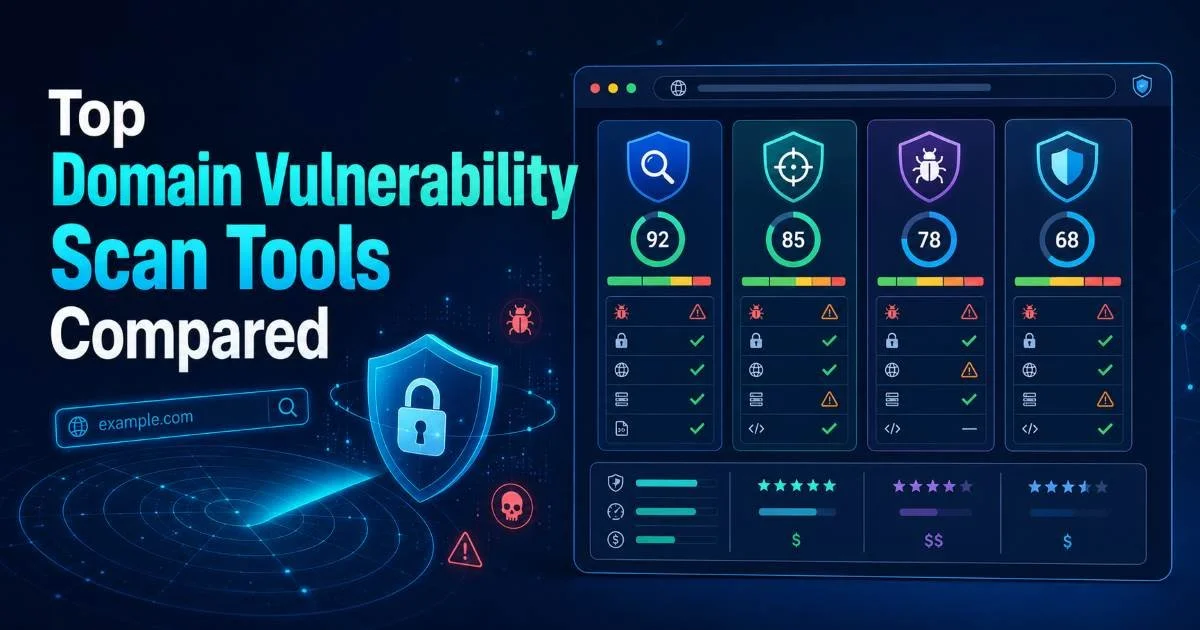
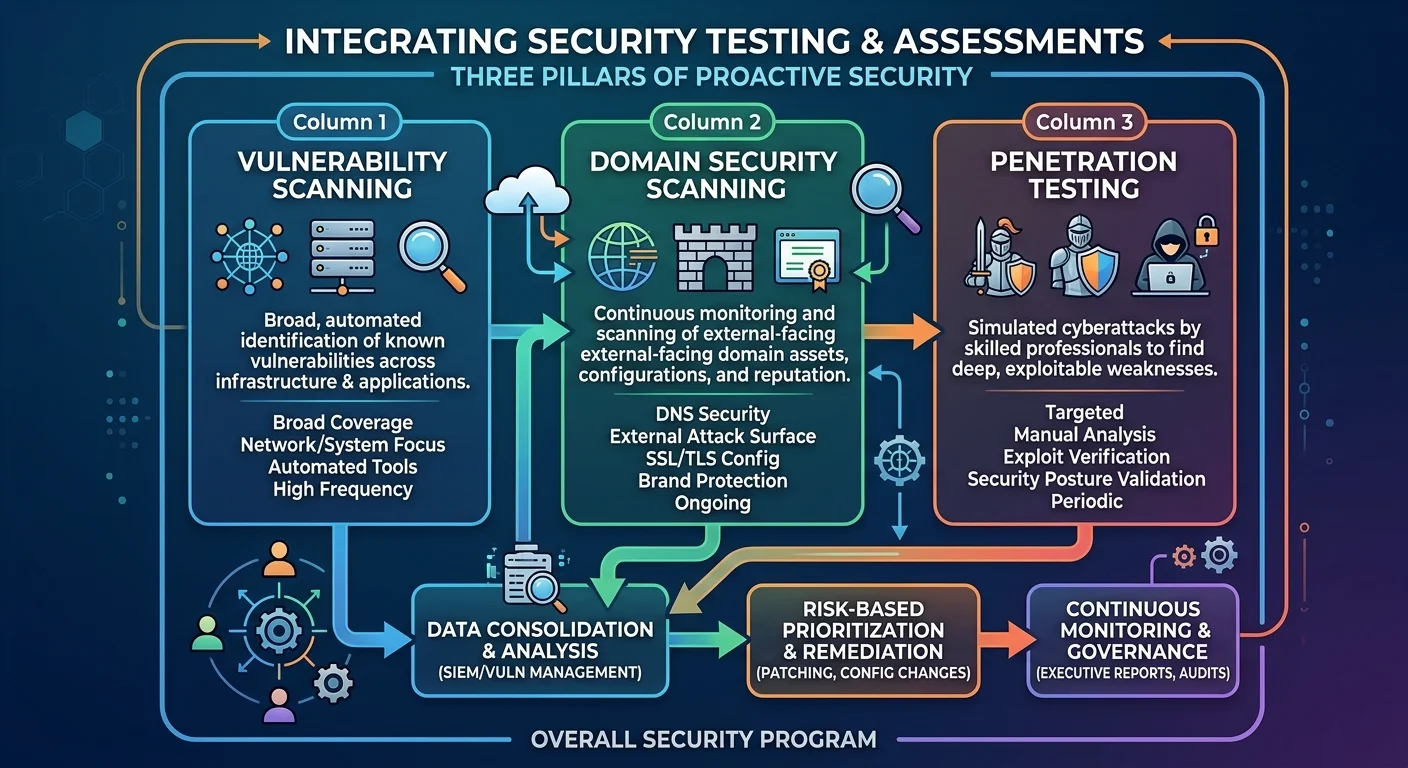
A vulnerability scan (tools like Nessus, Qualys, or OpenVAS) probes servers and applications for known software vulnerabilities, missing patches, and insecure configurations at the OS and application layer. A domain security scan operates one level above, focusing on the DNS, certificate, and routing infrastructure that sits in front of your applications. Both are complementary. You can have a fully patched web server that is still reachable through a hijacked subdomain if your DNS records are not monitored. Think of vulnerability scanning as checking the locks on your doors and domain scanning as verifying that nobody moved your front door to a different building.
Network security audits share some overlap as well. These audits evaluate firewall rules, network segmentation, and traffic flow. They may touch on DNS resolution within the internal network but rarely examine public-facing DNS records or external redirect behavior in depth. A redirect audit specifically targets the HTTP layer and is unique to domain-focused assessments. Together, these three scan types (network, vulnerability, domain) form a layered security posture that covers infrastructure from the wire to the browser.
Penetration Testing Overlap
Penetration testers often begin an engagement with DNS enumeration and certificate analysis, which mirrors the first steps of a domain security scan. The difference is scope and intent. A pentest uses those findings as a springboard to exploit vulnerabilities, pivot through networks, and demonstrate business impact. A domain scan stops at identification and reporting. For organizations that cannot afford quarterly pentests, running automated domain scans between engagements keeps visibility high and catches new security misconfigurations before the next pentest even begins.
Bug bounty programs also intersect with domain scanning. Many bug bounty reports involve subdomain takeover or SSL misconfigurations, issues that a proactive scan would have caught internally. Paying external researchers to find problems you could have detected with a five-minute scan is an expensive way to learn about your own infrastructure. Building automated scans into your CI/CD pipeline or change management process reduces the number of low-hanging fruit that external researchers (or worse, attackers) discover first.
Frequently Asked Questions
?How do I find and fix a dangling CNAME before attackers exploit it?
?How does a domain security scan differ from a full penetration test?
?How long does running a domain security scan actually take?
?Can TXT records really expose sensitive internal infrastructure details?
Final Thoughts
A domain security scan is one of the fastest, most practical steps any IT administrator or webmaster can take to reduce their attack surface. It covers the foundational infrastructure (DNS, SSL, redirects, exposed records) that every other security layer depends on. Running scans regularly, at least weekly for primary domains, transforms security from reactive firefighting into proactive management.
The tools exist, the scans take minutes, and the cost of ignoring them is measured in breached data, lost customers, and compliance failures.
Disclaimer: Portions of this content may have been generated using AI tools to enhance clarity and brevity. While reviewed by a human, independent verification is encouraged.