Domain security risks are more common than most IT administrators realize, and a single DNS misconfiguration or expired SSL certificate can expose your entire infrastructure to attack.
Whether you run a small business website or manage hundreds of domains, running a regular domain vulnerability scan is the difference between catching problems early and scrambling after a breach. Misconfigurations in DNS records, weak SSL certificate setups, and exposed WHOIS data create entry points that attackers actively hunt for.
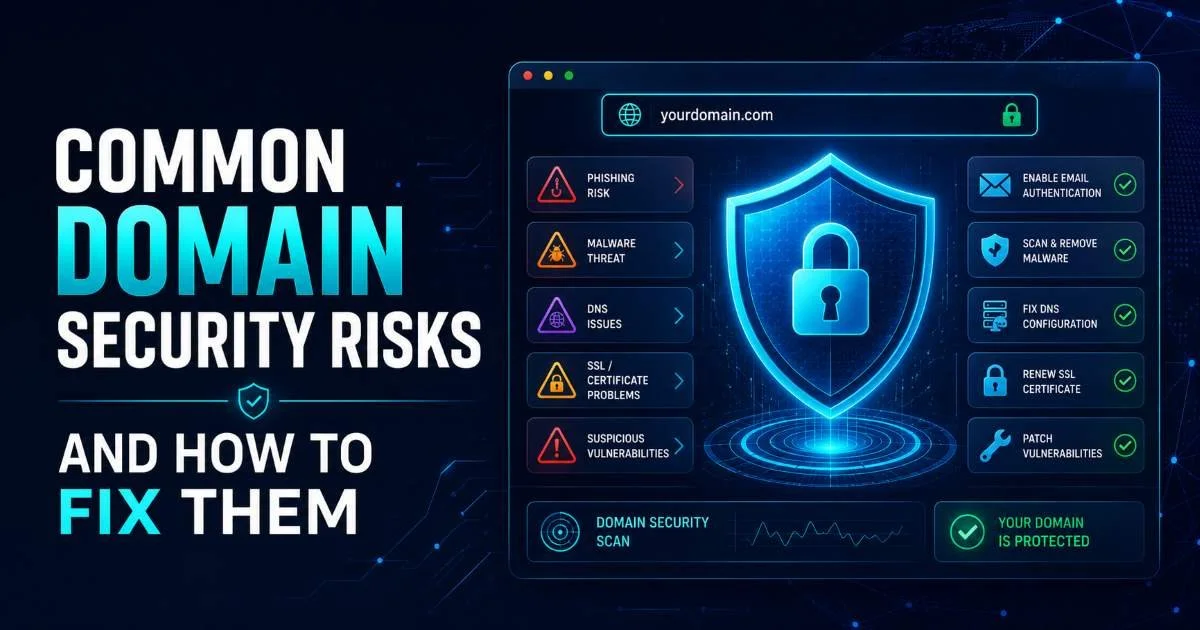
This guide walks you through the most common domain security risks and gives you specific, actionable steps to fix each one. Think of it as a companion to our complete guide on domain security scanning, focused on practical remediation. Every section targets a real vulnerability category, with commands, settings, and configurations you can apply today. If you manage domains professionally, these are the fixes that actually matter.
Key Takeaways
- Expired or misconfigured SSL certificates account for a large share of preventable domain vulnerabilities.
- Missing SPF, DKIM, and DMARC records leave your domain wide open to email spoofing.
- DNSSEC validation failures can redirect your users to malicious servers without detection.
- Exposed WHOIS data gives attackers the social engineering ammunition they need for domain hijacking.
- Automated scanning tools catch misconfigurations that manual reviews consistently miss.
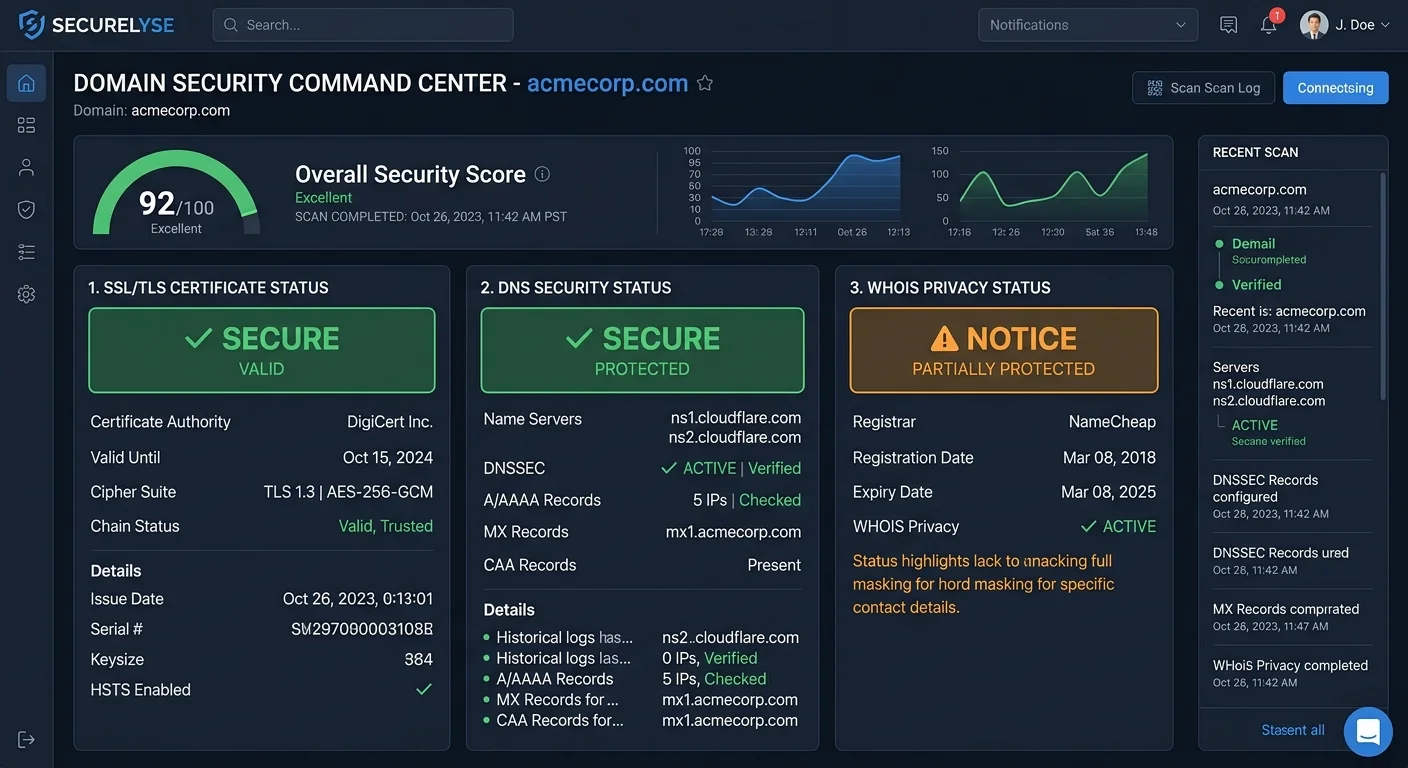
1. Fix SSL Certificate Misconfigurations
SSL certificate problems are the most visible domain security risk because browsers immediately warn visitors when something is wrong. An expired certificate, a broken chain of trust, or a mismatch between the certificate's common name and your actual domain all trigger those alarming red screens. According to recent research, roughly 3.6% of the top million websites serve certificates with some form of misconfiguration. That might sound small, but for organizations managing multiple subdomains, the probability of at least one certificate issue rises sharply.
Check Certificate Chain and Expiry
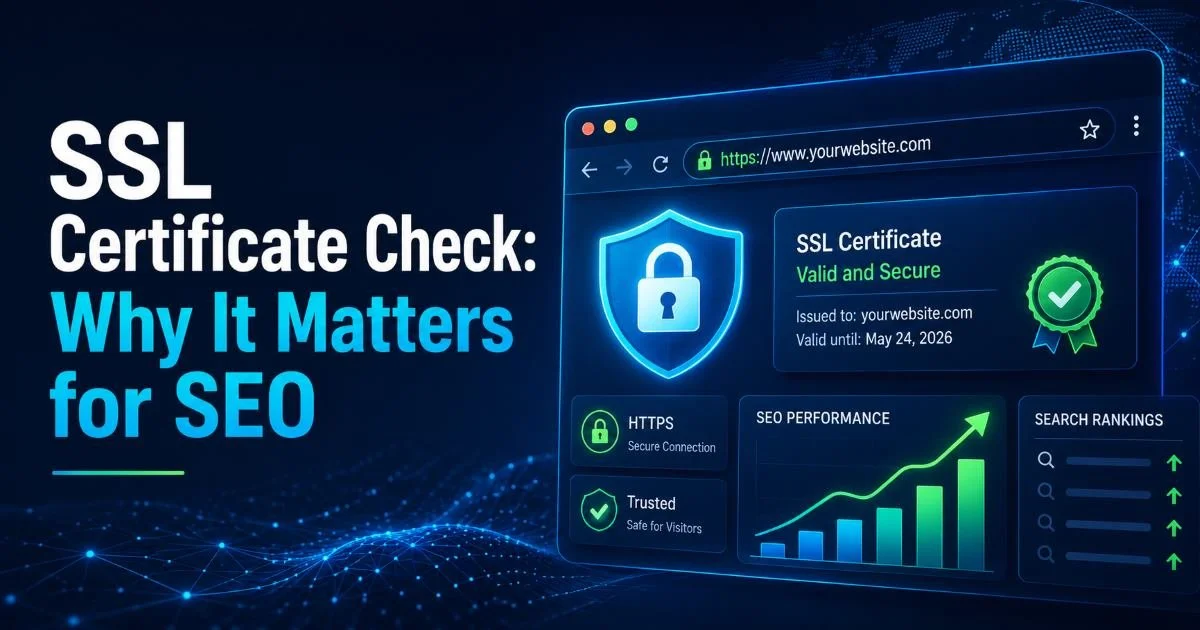
Start by running an SSL certificate check against every domain and subdomain you manage. Tools like Qualys SSL Labs or the OpenSSL command line (openssl s_client -connect yourdomain.com:443) will reveal chain issues, expiration dates, and protocol support. Pay special attention to intermediate certificates; a missing intermediate is one of the most frequent causes of "untrusted certificate" errors on mobile devices. As we covered in our article on SSL certificate checks and their impact on SEO, these errors also directly harm your search rankings.
Set calendar reminders 30 and 7 days before every certificate expiration, or use Let's Encrypt with automated renewal via certbot.
Enforce Strong TLS Protocols
Disable TLS 1.0 and TLS 1.1 on all servers immediately. These protocols have known vulnerabilities, and every major browser has already dropped support for them. Your server configuration should only permit TLS 1.2 and TLS 1.3. In Apache, that means setting SSLProtocol -all +TLSv1.2 +TLSv1.3, and in Nginx you would use ssl_protocols TLSv1.2 TLSv1.3;. While you are there, disable weak cipher suites like RC4 and 3DES, which remain present in surprising numbers of production configurations.
You should also enable HTTP Strict Transport Security (HSTS) by adding the Strict-Transport-Security header with a minimum max-age of 31536000 seconds. HSTS prevents protocol downgrade attacks and cookie hijacking by telling browsers to only connect over HTTPS. Once you have verified it works correctly, consider submitting your domain to the HSTS preload list. This small step eliminates the first-visit vulnerability window entirely, which matters more than most administrators appreciate.
Never enable HSTS with the preload directive until you have confirmed every subdomain supports HTTPS. Preloading is difficult to reverse.
2. Resolve DNS Misconfigurations and Missing Records
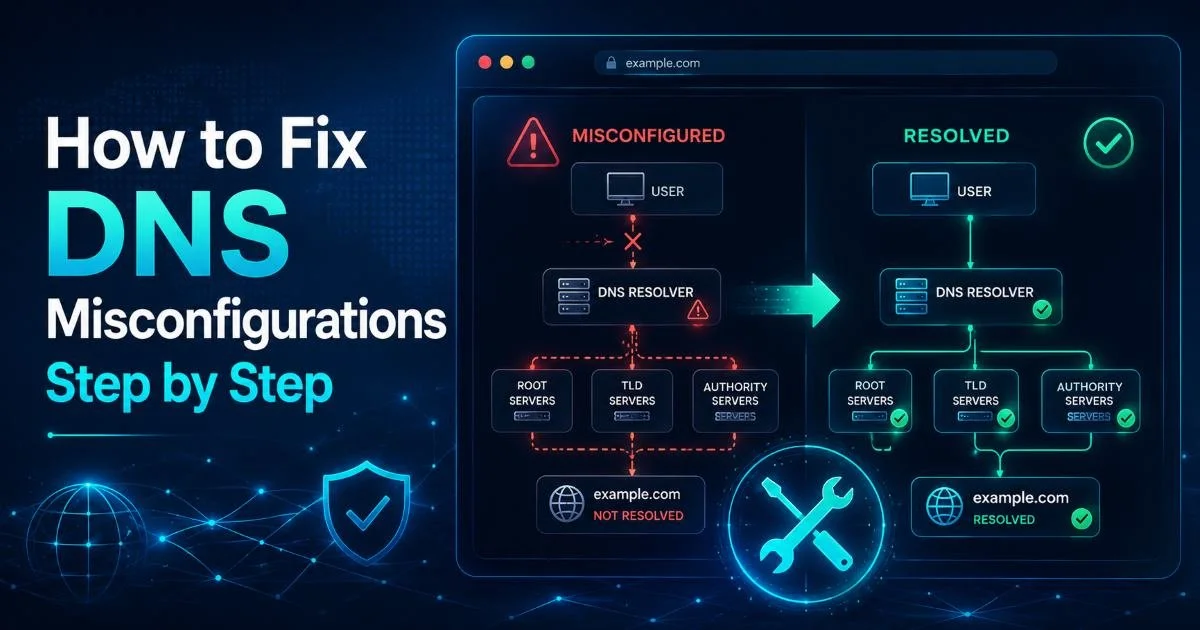
DNS is the foundation of your domain's online identity, and a DNS misconfiguration can range from mildly annoying to catastrophic. Orphaned DNS records pointing to decommissioned servers (known as dangling DNS) can be hijacked by attackers to host malicious content under your domain. Stale CNAME records pointing to expired cloud services are particularly dangerous. A regular DNS security check catches these issues before someone exploits them.
Also Check: How to Measure Domain SEO Strength With Free Tools
"A single dangling DNS record can hand an attacker full control of a subdomain you forgot existed."
Implement Email Authentication Records
If your domain lacks SPF, DKIM, and DMARC records, anyone can send emails that appear to come from your organization. SPF specifies which mail servers are authorized to send on your behalf. A basic SPF record looks like v=spf1 include:_spf.google.com -all for Google Workspace users. The -all (hard fail) at the end is critical; using ~all (soft fail) still allows spoofed messages through many filters. You should also learn about your top-level domain and how it interacts with DNS record inheritance.
DKIM adds a cryptographic signature to outgoing emails that receiving servers verify against a public key in your DNS. DMARC ties SPF and DKIM together and tells receiving servers what to do with messages that fail both checks. Start with a DMARC policy of p=none and monitor reports for two to four weeks. Once you confirm legitimate mail passes, escalate to p=quarantine and eventually p=reject. For more detail on catching DNS threats early, read our piece on DNS security checks and early threat detection.
Use a free DMARC report analyzer like dmarcian or Postmark's tool to parse the XML reports that DMARC generates.
Enable DNSSEC
DNSSEC adds cryptographic signatures to your DNS records, preventing cache poisoning and man-in-the-middle attacks at the DNS layer. Without DNSSEC, an attacker who compromises a recursive resolver can redirect your users to a malicious server. Enabling DNSSEC requires coordination between your DNS hosting provider and your domain registrar. Most major registrars (Cloudflare, Google Domains, GoDaddy) support DNSSEC activation with just a few clicks, though you need to add the DS record at the registrar level after signing the zone.
3. Protect Domain Registration and WHOIS Data
Domain hijacking remains one of the most damaging attacks an organization can face. An attacker who gains control of your domain registrar account can transfer your domain, change DNS servers, and intercept all traffic. High-profile cases (like the 2019 Sea Turtle DNS hijacking campaign) demonstrate how state-sponsored actors target domain registrations as an attack vector. The fix starts at the registrar level with a combination of account security and domain locking features.
Lock Your Domain and Hide WHOIS
Enable registrar lock (also called clientTransferProhibited) on every domain you own. This prevents unauthorized transfers even if someone compromises your registrar credentials. For high-value domains, request registry lock from your registrar, which adds an additional layer that requires manual, out-of-band verification before any changes. Registry locks typically cost $20 to $50 per year per domain, a negligible price for critical assets.
| Protection Feature | What It Prevents | Where to Enable | Typical Cost |
|---|---|---|---|
| Registrar Lock | Unauthorized domain transfers | Registrar control panel | Free |
| Registry Lock | DNS and registrar changes | Request via registrar | $20 to $50/year |
| WHOIS Privacy | Data harvesting, social engineering | Registrar control panel | Free to $15/year |
| Two-Factor Auth | Account takeover | Registrar account settings | Free |
| Auth Code Complexity | Brute force transfer | Generate at registrar | Free |
Enable WHOIS privacy (also called RDAP privacy) to prevent attackers from harvesting your registrant contact details. Exposed WHOIS records give adversaries phone numbers, email addresses, and physical addresses they can use for spear phishing or social engineering calls to your registrar's support team. Most registrars now offer privacy protection at no additional cost. Also ensure your registrar account uses a strong, unique password and hardware-based two-factor authentication; SMS-based 2FA is vulnerable to SIM swapping attacks.
Some country-code TLDs like .us and .ca have regulations that limit WHOIS privacy options. Check your registrar's specific policies for these extensions.
4. Automate Domain Vulnerability Scanning
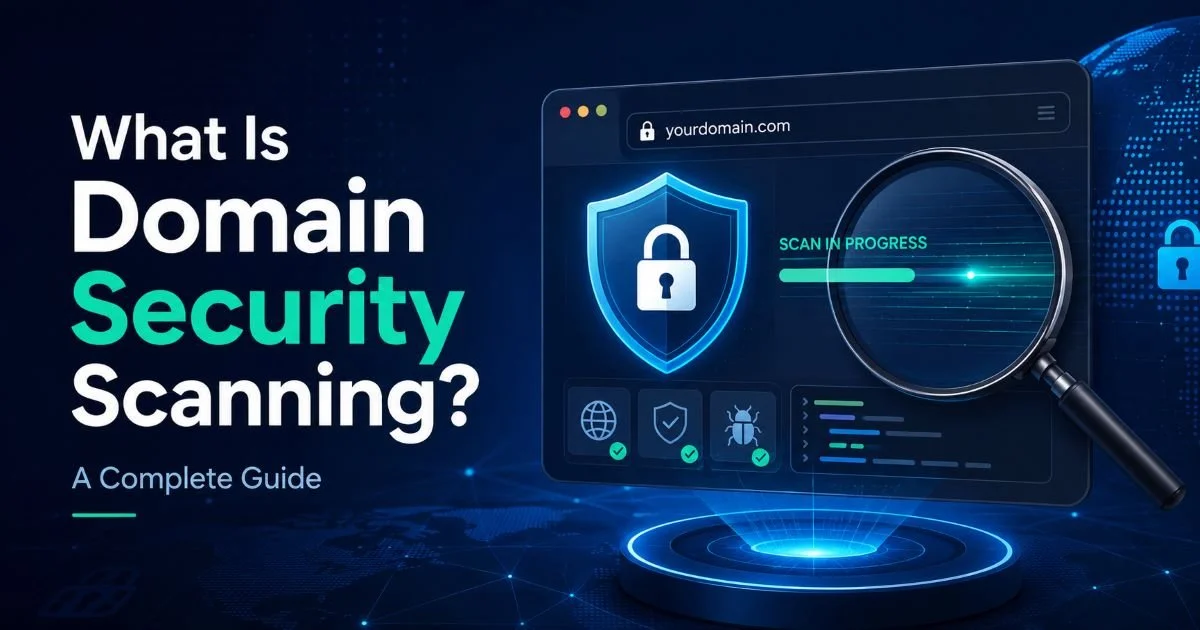
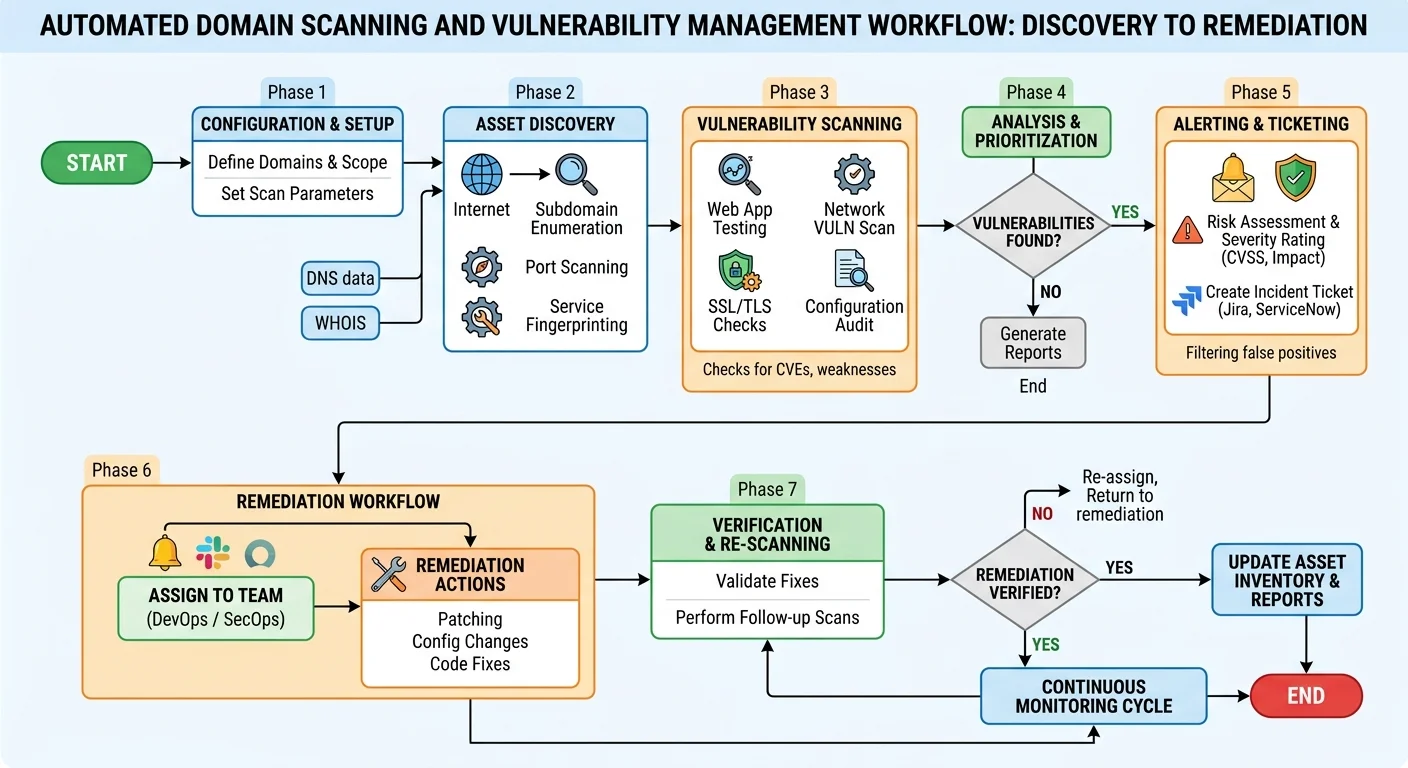
Manual security reviews are valuable but unsustainable across large domain portfolios. A single organization might manage dozens of domains and hundreds of subdomains, each with its own SSL certificates, DNS records, and configuration states. Automated domain vulnerability scanning tools check all of these continuously, alerting you when a certificate nears expiration, a DNS record changes unexpectedly, or a new subdomain appears. The difference between scheduled scans and continuous monitoring is the difference between discovering a problem in hours versus discovering it in months.
Choose the Right Scanning Approach
There are distinct categories of scanning tools, and you likely need more than one. SSL-focused scanners (Qualys SSL Labs, testssl.sh) go deep on certificate and cipher analysis. DNS audit tools (DNSViz, Hardenize) specialize in record validation and DNSSEC chain verification. Full-platform scanners combine multiple checks into a single workflow. We compared several of the leading options in our article on top domain vulnerability scan tools, which breaks down features, pricing, and ideal use cases.
For most IT teams, the best approach combines a comprehensive platform scan on a weekly schedule with continuous certificate monitoring. Set up alerts for any certificate expiring within 30 days, any DNS record modification, and any new subdomain discovery. Integrate these alerts into your existing incident response workflow, whether that is Slack, PagerDuty, or email distribution lists. The goal is not just detection but fast remediation; a scan that finds a problem nobody acts on is worse than useless because it creates a false sense of security.
Whatever tools you choose, document your baseline configuration for each domain. Record the expected DNS records, the authorized certificate authorities (use CAA records to enforce this in DNS), and the approved TLS settings. When a scan flags a deviation from this baseline, you can immediately determine whether it represents a legitimate change or a potential compromise. This baseline approach transforms scanning from a vague "security check" into a precise deviation detection system that your team can act on confidently.
Add CAA DNS records (e.g., "0 issue letsencrypt.org") to restrict which certificate authorities can issue certificates for your domain.
Frequently Asked Questions
?How do I check for missing intermediate certificates in my SSL chain?
?Is Qualys SSL Labs better than OpenSSL CLI for a domain vulnerability scan?
?How long does setting up SPF, DKIM, and DMARC records actually take?
?Will enabling HSTS break my site if I later need to revert to HTTP?
Final Thoughts
Every risk covered in this guide is fixable with tools and configurations that already exist. The challenge is not technical complexity but operational discipline: keeping certificates renewed, DNS records clean, registrar accounts locked, and scans running consistently. Start with the highest-impact fixes first.
Lock your domains, enable WHOIS privacy, deploy DMARC, and set up automated scanning. Once those foundations are in place, layer on DNSSEC, HSTS preloading, and CAA records to build a domain security posture that holds up under real-world pressure.
Disclaimer: Portions of this content may have been generated using AI tools to enhance clarity and brevity. While reviewed by a human, independent verification is encouraged.